
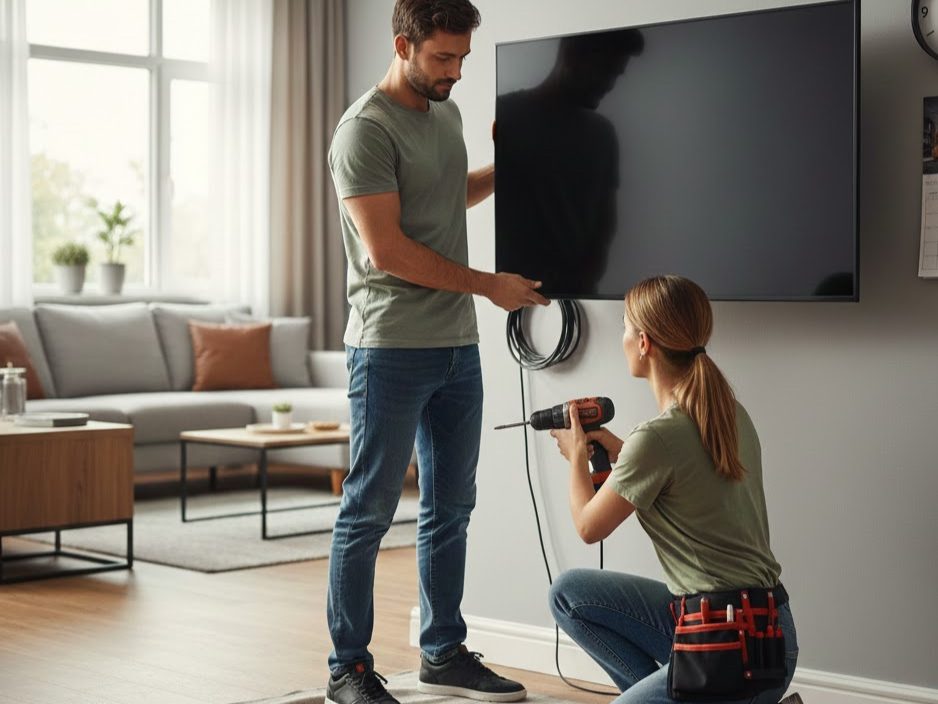
One of the first questions Adelaide homeowners ask when planning a TV wall mount installation is: “How long will this take?” Understanding the timeline helps you plan your day, arrange time off work, and set realistic expectations for the installation process.
The answer depends on several factors—wall type, TV size, bracket complexity, and room layout—but knowing the typical range and what influences duration helps you anticipate what to expect. This guide breaks down how long does tv wall mounting installation take, explains the variables that affect timeline, and shows why professional installers often complete in less time than DIY attempts that take entire weekends.
Golden Antenna’s experienced Adelaide team delivers efficient installations across all wall types, balancing speed with the precision required for safety and quality.
Key Takeaways
- Standard TV wall mounting installations typically take 45–90 minutes from arrival to completion.
- Simple fixed mounts on plasterboard with convenient studs often finish in under 60 minutes.
- Complex walls (tile, brick, heritage, or paneled) or full-motion mounts may extend to 2+ hours.
- Professional efficiency comes from experience, proper tools, and structured processes—not rushing or cutting corners.
- Pre-visit preparation and clear communication reduce timeline and prevent delays or complications.
Overview: Typical Installation Duration
The answer to “how long does tv wall mounting installation take” varies, but most professional installations in Adelaide range from 45 minutes to 2 hours. A straightforward fixed mount on a standard plasterboard wall with studs at convenient spacing typically takes 45–90 minutes. Full-motion or articulating mounts, which demand more precision and mechanical testing, usually run 60–120 minutes. Challenging walls—brick, tile, paneled, or heritage—can extend to 2+ hours depending on substrate complexity and drilling difficulty.
The timeline breaks down roughly as follows: initial assessment and marking (10–20 minutes), drilling and wall plate installation (15–30 minutes), VESA rail attachment to the TV (10–15 minutes), hanging and locking the TV (10–20 minutes), cable management (10–20 minutes), and final testing and handover (10–15 minutes). Each phase has its own variables, and understanding them helps explain why professional installations vary in duration.
Assessment and Planning Phase: 10–20 Minutes
The installation begins the moment the technician arrives. They assess your space, confirm wall type and structural anchor points using a stud finder or detection tools, discuss viewing height and angle preferences, and verify that your TV’s specifications (size, weight, VESA pattern) are compatible with the chosen bracket. This phase involves zero wall damage and is crucial for getting everything right before any drilling begins.
Assessment typically includes:
- Visual wall inspection (material type, condition, obstructions)
- Stud or masonry location identification using specialized tools
- Viewing position confirmation from primary seating areas
- VESA pattern and weight verification against bracket specs
- Cable routing options discussion and planning
- Any structural concerns or complications identified
This phase takes 10–20 minutes for most installations. On straightforward walls with obvious stud locations and clear viewing preferences, it runs faster. On heritage walls, tile installations, or unusual room layouts, assessment may take longer as the installer explores options and confirms feasibility. Time invested here prevents errors and complications later, so professionals don’t rush this step.
Marking and Drilling Phase: 15–30 Minutes
Once the mounting location is confirmed, the wall plate position is marked using a level. Small pilot holes verify stud or masonry location before final fixings are installed. On plasterboard walls with studs, the installer drills through plasterboard into timber and installs lag screws or bolts. On solid brick or concrete, expansion anchors or masonry bolts are used. The wall plate is then positioned and fasteners are torqued to specification.
Drilling and fixing variables include:
- Wall material (plasterboard=faster; brick/concrete=slower due to hardness)
- Number of anchor points (typically 2–4 fasteners)
- Fastener type (lag screws into studs=faster; expansion anchors into masonry=moderate; specialized anchors for tile=slowest)
- Wall age and condition (compromised walls may require test holes or alternative approaches)
- Precision requirements (ensuring level and secure fixings takes time)
This phase typically runs 15–30 minutes on standard walls. Plasterboard with clearly located studs might complete in 15 minutes. Solid brick or concrete takes longer because drilling through these materials is slower and harder on tools. Tiled walls require specialized techniques (diamond bits, water cooling, careful piloting) and often extend this phase to 30–45 minutes or longer.
VESA Rail Attachment to TV: 10–15 Minutes
While wall preparation is underway or complete, the TV’s VESA mounting rails are attached using the correct fasteners for your TV model’s VESA pattern
. This work is done on the TV itself, so precision and care are paramount. Fastener length is verified to avoid internal damage, and rails are torqued symmetrically to ensure level hanging.
VESA attachment factors affecting timeline include:
- VESA pattern accessibility (some TVs have rear covers or components that complicate access)
- Number of fastener points (typically 4, sometimes more for larger TVs)
- Screw length and torque specification verification
- Spacer placement (some brackets require specific spacing or shims)
- Symmetry verification (ensuring rails are aligned for level hang)
This phase takes 10–15 minutes for most TVs. Straightforward rear designs with easily accessible VESA holes complete quickly. TVs with rear covers, complex internal structures, or unusual VESA patterns may take slightly longer. Professionals work carefully here to avoid cross-threading screws or using incorrect fastener lengths, which can damage the TV.
Hanging and Locking the TV: 10–20 Minutes
With the wall plate secure and VESA rails attached, the TV is carefully lifted onto the wall plate and locked using the mount’s safety mechanism. Once locked, the installation is tested for stability and any tilt or swivel adjustments are fine-tuned.
Hanging and locking variables include:
- TV size and weight (heavier TVs require more caution and sometimes additional hands)
- Bracket locking mechanism type (friction latches=quick; safety screws=slightly slower)
- Mount type adjustments (fixed=minimal; tilting=moderate; full-motion=comprehensive testing required)
- Stability verification and wobble testing
- Angle optimization based on viewing preferences
This phase typically takes 10–20 minutes. Small TVs with straightforward fixed mounts might hang in 10 minutes. Large TVs (65″+) or full-motion mounts with extensive arm testing can extend to 20 minutes or longer. The installer prioritizes safety, never rushing the locking process or skipping stability verification.
Cable Management and Device Hookup: 10–20 Minutes
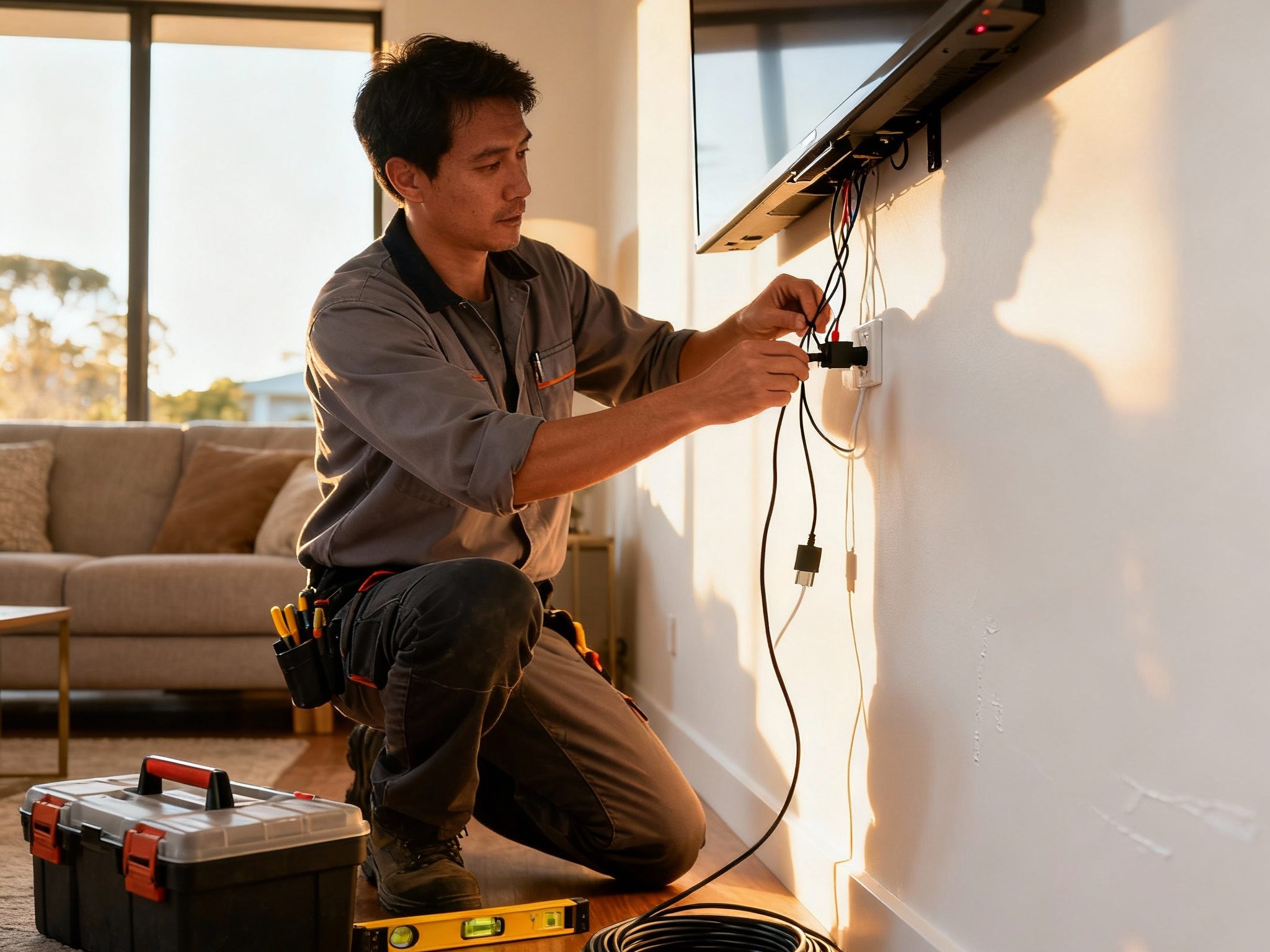
All cables—power, HDMI, and signal lines—are connected and routed. Power is connected to a nearby outlet (sometimes requiring an outlet extension), HDMI and coaxial cables link the TV to external devices, and all cables are clipped or bundled to maintain a tidy appearance and avoid strain.
Cable management timeline factors include:
- Distance to power outlet (nearby=faster; far=requires longer cord or routing=slower)
- Number of connected devices (TV only=quick; soundbar, set-top box, gaming console=more connections)
- Cable conduit or coverage options (surface routing=quick; in-wall conduit=slower; decorative covers=moderate)
- Articulating mount arms (require extra slack and careful routing to accommodate extension)
- Aesthetic standards (basic bundling=quick; premium cable management=longer)
This phase takes 10–20 minutes for most installations. Simple setups with nearby outlets and minimal devices complete quickly. Complex multi-device setups with hidden cable routing or surface conduit take longer but deliver superior aesthetics and long-term reliability.
Final Testing and Handover: 10–15 Minutes
The TV is powered on to verify picture and sound, inputs are tested, and the installer walks through basic settings. All fasteners are rechecked, the installation is confirmed level and stable, and documentation is provided for your records. This phase is relatively quick but absolutely essential for verification and customer satisfaction.
Testing and handover includes:
- TV power-on and picture quality confirmation
- HDMI input verification and device detection
- Audio output testing
- Remote control functionality check
- Fastener tightness rechecked post-drilling vibration
- Level and stability final verification
- Documentation and warranty information handover
- Brief tutorial on bracket adjustment (if applicable)
This phase takes 10–15 minutes and wraps up the installation. It’s your assurance that everything works as expected and is documented for future reference.
TV Wall Mounting Installation Timeline: Complete Breakdown
| Installation Scenario | Wall Type | Typical Duration |
|---|---|---|
| Fixed mount, standard setup | Plasterboard with studs | 45–60 minutes |
| Fixed mount, solid wall | Brick or concrete | 60–75 minutes |
| Tilting mount, standard | Plasterboard with studs | 60–75 minutes |
| Tilting mount, solid wall | Brick or concrete | 75–90 minutes |
| Full-motion mount | Plasterboard (dual studs) | 75–90 minutes |
| Full-motion mount | Brick or concrete | 90–120 minutes |
| Tiled or paneled wall | Tile/paneling over substrate | 90–150 minutes |
| Heritage or complex wall | Mixed or uncertain construction | 120+ minutes |
Key Variables That Affect Installation Duration
Understanding what makes installations faster or slower helps you anticipate realistic timelines. Wall type is the primary variable: plasterboard with accessible studs is fastest, solid brick or concrete is moderate, and tile or paneled walls are slowest due to specialized drilling requirements.
TV size and weight matter moderately—larger TVs require more caution during hanging but don’t dramatically extend the timeline. Bracket type affects duration significantly: fixed mounts are fastest, tilting mounts moderate, and full-motion mounts slowest due to complexity and testing requirements.
Room layout and cable routing also influence timeline. Easy access to studs or masonry, nearby power outlets, and minimal cable runs speed the process. Conversely, distant studs, hard-to-reach outlets, or complex multi-device setups extend duration. Pre-visit preparation (clearing the area, having TV specs ready) accelerates the entire installation. Complications discovered during work (hidden damage, unexpected wall conditions, outdated materials) can extend the timeline if alternative approaches are required.
When asking “how long does tv wall mounting installation take,” remember that professional installers balance speed with precision and safety. They don’t rush to beat a clock; they work efficiently while maintaining quality standards that ensure your TV is secure and will remain so for years.
Comparing Professional Installation to DIY
A homeowner attempting the same installation might invest an entire weekend—8–12 hours or more—for several reasons. DIY installers often lack specialized tools (stud finders calibrated for wall thickness, precision levels, torque-controlled drivers), so simple tasks take longer and have higher error rates. Mistakes—finding studs incorrectly, using wrong-sized fasteners, misaligning brackets—often require rework that compounds the timeline. Uncertainty about processes and decisions (should I use this anchor type? Is this level? Will this be safe?) creates hesitation and false starts.
Professional installers complete the same job in 1–2 hours because they have experience, proper tools, refined processes, and confidence in their methods. This efficiency isn’t cutting corners; it’s expertise translating to speed without compromising quality or safety.
Planning Your Installation Day
Knowing the typical timeline helps you arrange your day effectively. Block out 2–2.5 hours for your appointment to accommodate arrival, the installation itself, and any unexpected minor complications. This buffer prevents stress if the work runs slightly longer than the minimum estimate. Ensure someone is home during the appointment—being present allows you to confirm height and viewing angle, answer questions, and verify satisfaction before the installer leaves.
For installations requiring additional services (in-wall cable routing, power outlet relocation, soundbar mounting), discuss timeline implications during the booking call. These add-ons typically extend the session by 30–60 minutes depending on scope. Understanding the full timeline upfront prevents surprises and allows you to plan your day accordingly.
Efficiency Tips for Faster Installation
Several simple preparations help installers work efficiently, which can slightly reduce overall timeline. Clear the area around the mounting wall completely—no furniture, artwork, or obstacles. Have your TV model information and VESA pattern readily available. Identify your preferred viewing height ahead of time. Ensure the area around proposed power outlet and cable routes is accessible. If you have children or pets, arrange for them to be elsewhere during the installation.
These preparations demonstrate readiness and remove common delays. Experienced installers appreciate homeowners who have thought through their preferences and removed obstacles, because it allows them to focus on the technical work without pausing for planning or access issues.
Frequently Asked Questions (FAQs)
Q: How long does tv wall mounting installation take for a typical Adelaide home?
A: Most standard installations take 45–90 minutes. Fixed mounts on plasterboard with convenient studs complete around 60 minutes. Full-motion mounts or challenging walls (brick, tile) typically run 90–120 minutes.
Q: Why do some installations take longer than others?
A: Wall type is the primary factor—brick and concrete take longer to drill than plasterboard. Bracket complexity matters too: full-motion mounts require more assembly and testing than fixed types. TV size, cable routing complexity, and room layout also influence duration.
Q: Can installation be faster if I pay extra?
A: Professional installers already work at an efficient pace that balances speed with quality. Rushing quality work increases error risk and safety concerns, so reputable installers maintain their process regardless of customer preferences for speed.
Q: What if the installer finds problems during the appointment?
A: If wall damage, hidden complications, or structural issues are discovered, the installer discusses options and may need extra time to resolve or implement alternative approaches. This is rare but can extend the timeline. Good communication during the appointment minimizes surprises.
Q: How much longer does a full-motion mount take compared to fixed?
A: Full-motion mounts typically add 15–30 minutes to the overall timeline due to their mechanical complexity, precision requirements, and need for comprehensive testing before handover.
Q: Can I schedule a same-day appointment or does it require advance booking?
A: Most professional installers require advance booking to schedule appropriately and bring necessary tools. Same-day appointments may be available depending on availability and circumstances. Contact Golden Antenna to discuss your timeline needs.
Q: What if the installation takes longer than quoted?
A: Professional installers provide estimates based on typical scenarios. Unexpected complications (wall damage, difficult access, outdated materials) may extend the timeline. The installer communicates any delays promptly and explains the reason.
Conclusion
The answer to “how long does tv wall mounting installation take” depends on wall type, bracket complexity, and room layout, but most professional installations in Adelaide range from 45 minutes to 2 hours. Fixed mounts on standard plasterboard walls complete fastest, while full-motion or challenging walls extend the timeline. Professional installers work efficiently without sacrificing quality or safety, often completing in hours what DIY attempts require days to accomplish.
Understanding the typical timeline and variables that influence duration helps you plan your day, set realistic expectations, and appreciate the expertise that professional installers bring. By preparing your space and being present during the appointment, you support the installation process and ensure satisfaction with the final result.Ready to schedule your TV wall mounting installation? Contact Golden Antenna at 0403 711 983 to discuss your specific situation and get an accurate timeline estimate.
